Selected plan
Free
Run a server while you learn the panel.
- Live server console
- 1 configuration backup
- Auto-sleep when inactive
FreeNo payment
Start free Fyrefly HostCreate a server
FyreflyHost
Run a server from a browser panel.
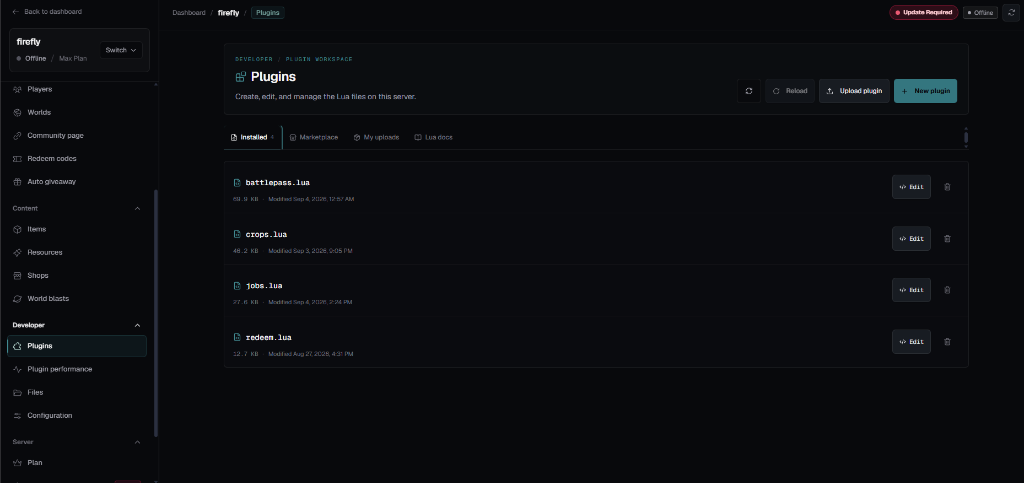
Panel viewLive panel preview
A look inside
The panel is the server room: console, files, plugins, and the marketplace live in one place, on any device with a browser.
New to private servers? Start with the GTPS guide
01
Open the editor, change battlepass.lua or crops.lua, and reload the running server. No FTP client and no restart.
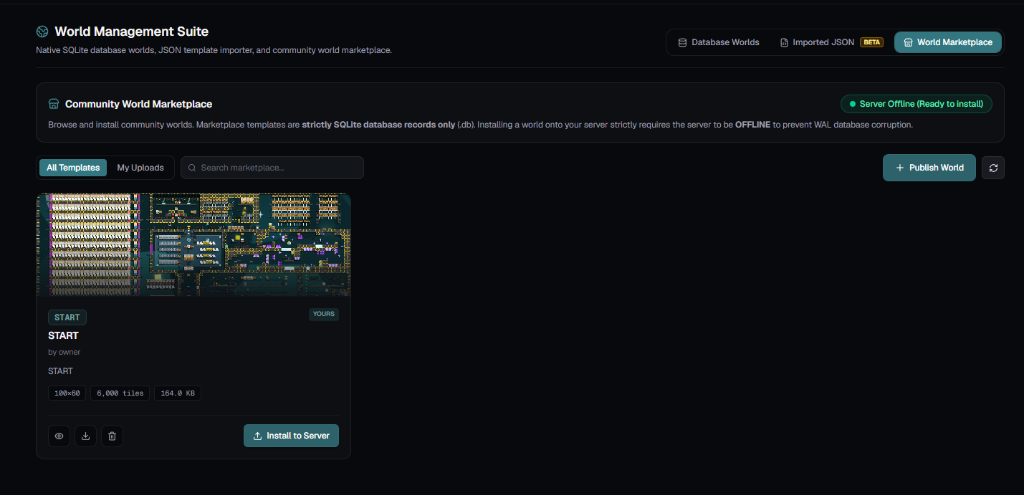
02
Browse community world templates and install them straight onto your server, then reshape them however you like.
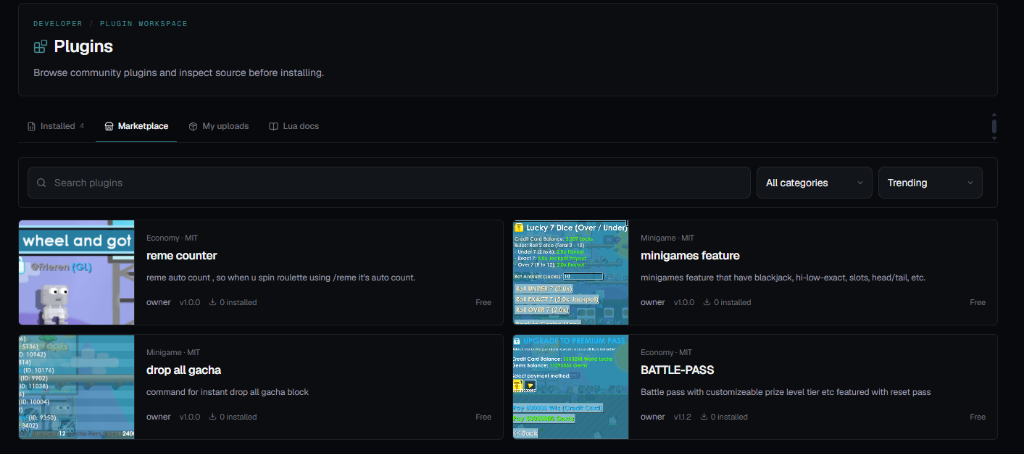
03
Upload your own plugins and worlds to the marketplace so other server owners can install them with a click.
Getting started
Create an account with your email. Verification takes a minute.
Name it and start on the Free plan. Change plans whenever you outgrow it.
Open Growtopia and reach your server through the how-to-play guide. The panel stays open in your browser.
Read the guidePlans
Compare the tools included with each plan. Billing confirms the current price and availability.
Selected plan
Run a server while you learn the panel.
Loading current plan data. Billing remains the source of truth. Compare all features
FyreflyHost